

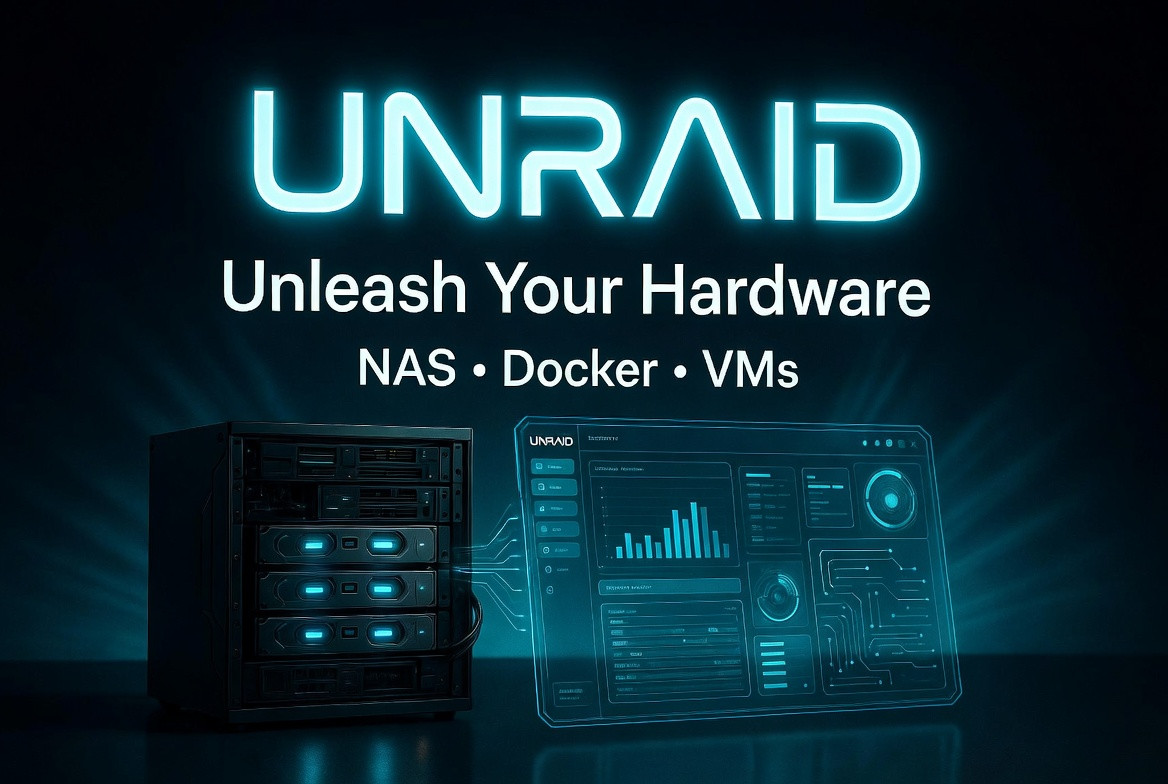
Discovering Unraid: The Most Flexible NAS Operating System for Home Labs and Power Users
In the crowded NAS and home server space, Unraid stands out as one of the most unique and user-friendly operating systems available. Running at unraid.net, Unraid is a Linux-based platform designed to turn almost any hardware into a powerful, expandable network-attached storage solution with enterprise-like features tailored for home users and small businesses. Unlike traditional RAID systems that require identical drives, Unraid’s signature parity-based array lets you mix and match drives of any size or brand, making it incredibly flexible for gradual upgrades without wasting hardware.
The platform shines with native support for Docker containers, full virtual machines, and high-performance storage pools using ZFS, BTRFS, or XFS. It has a clean web-based interface that makes managing everything from media servers to home automation straightforward. With a vibrant community, thousands of Community Apps, and regular updates, Unraid has built a loyal following among enthusiasts who want more than a basic Synology or QNAP box. I put Unraid through its paces on a custom-built server to see how it performs in real-world use, focusing on its core storage features and application ecosystem.
My Hands-On Experience Setting Up and Running Unraid
I installed Unraid on a mid-range home server with an Intel i5, 32GB RAM, a mix of HDDs for the main array, and NVMe SSDs for cache. The installation process was refreshingly simple – I created a boot USB using the official tool, booted from it, and followed the straightforward setup wizard. Within minutes, I was in the clean web GUI configuring my array.
I started with a basic setup: two 18TB HDDs as data drives, one 18TB as parity, and a 2TB NVMe pool for cache. Adding drives was effortless – Unraid handled the mixed sizes without issue, and the initial parity sync completed overnight without drama. The real magic happened when I dove into the Docker and VM sections.
Using the Community Apps plugin, I installed a full media stack in under an hour: Plex, Sonarr, Radarr, SABnzbd, and a few others. The templates are well-maintained and the UI walks you through mapping volumes and ports. Everything just worked. Plex streaming was smooth, even with multiple users, and I set up automatic media downloads and organization that runs 24/7. I also spun up a Windows 11 VM with GPU passthrough for light gaming and video editing tests. The VM performance was excellent thanks to Unraid’s solid KVM support and recent improvements in snapshots and management.
Day-to-day management feels intuitive. The dashboard gives a clear overview of array health, temperatures, and resource usage. Features like scheduled parity checks, the Mover tool for cache-to-array transfers, and Tailscale integration for secure remote access make it practical for daily use. After several weeks, the system has been rock-solid with no unexpected downtime, even during heavy Docker workloads and simultaneous VM activity.
Strengths and Weaknesses of Unraid
Strengths:
- Unmatched Storage Flexibility: Mix any drive sizes in the parity array and expand easily by adding drives whenever needed. This is a game-changer compared to rigid traditional RAID.
- Excellent Docker Experience: One of the simplest and most reliable container platforms available, with a massive library of Community Apps that install with just a few clicks.
- Strong Virtualization: Great VM support with easy hardware passthrough, snapshots in newer versions, and solid performance for running Windows, Linux, or game servers alongside your NAS duties.
- User-Friendly Interface: Clean, responsive web GUI that makes complex server management accessible even for those without deep Linux knowledge.
- Active Community and Ecosystem: Thousands of plugins, templates, and helpful forum users. Regular updates continue to add modern features like better ZFS integration.
- Data Protection and Recovery: Single or dual parity options provide good protection, and individual drive failures are easier to handle than in some striped systems.
Weaknesses:
- Licensing Model: While feature-rich, the tiered pricing with some licenses requiring annual update fees can feel expensive for long-term users compared to fully free alternatives.
- Parity Check Performance: Long parity checks on large arrays can take days and may impact performance, though this is common in parity-based systems.
- Not a Full ZFS NAS: While ZFS pools are supported, the main array uses its own parity method, which lacks some of ZFS’s advanced bitrot protection and snapshots out of the box.
- Hardware Requirements: Best performance requires decent RAM (especially for VMs and many containers) and a compatible NIC or controller, which might mean extra investment for new builders.
- Learning Curve for Advanced Features: While beginner-friendly for basics, optimizing cache pools, shares, and complex Docker networks still benefits from community guides.
Overall, the strengths in flexibility and ease of use far outweigh the drawbacks for most home lab enthusiasts.
Final Thoughts
Unraid has earned its reputation as a standout choice for anyone wanting a powerful, expandable, and enjoyable home server experience. Its unique approach to storage, combined with top-tier Docker and VM capabilities, makes it ideal for media servers, backups, smart home hubs, and creative workflows. Whether you’re a beginner tired of complicated setups or a seasoned user who values hardware freedom, Unraid delivers a polished platform that grows with you.
If you’re looking to build or upgrade a home server that actually feels fun to use and own long-term, foxyshopping.com highly recommends giving Unraid a try. It turns ordinary hardware into something truly capable and future-proof. In a world of locked-down appliances, Unraid lets you truly unleash your hardware.
See More : https://unraid.net/pricing?via=6bb24c
"As an affiliate, I may earn a commission from qualifying purchases made through links on this site at no extra cost to you."