

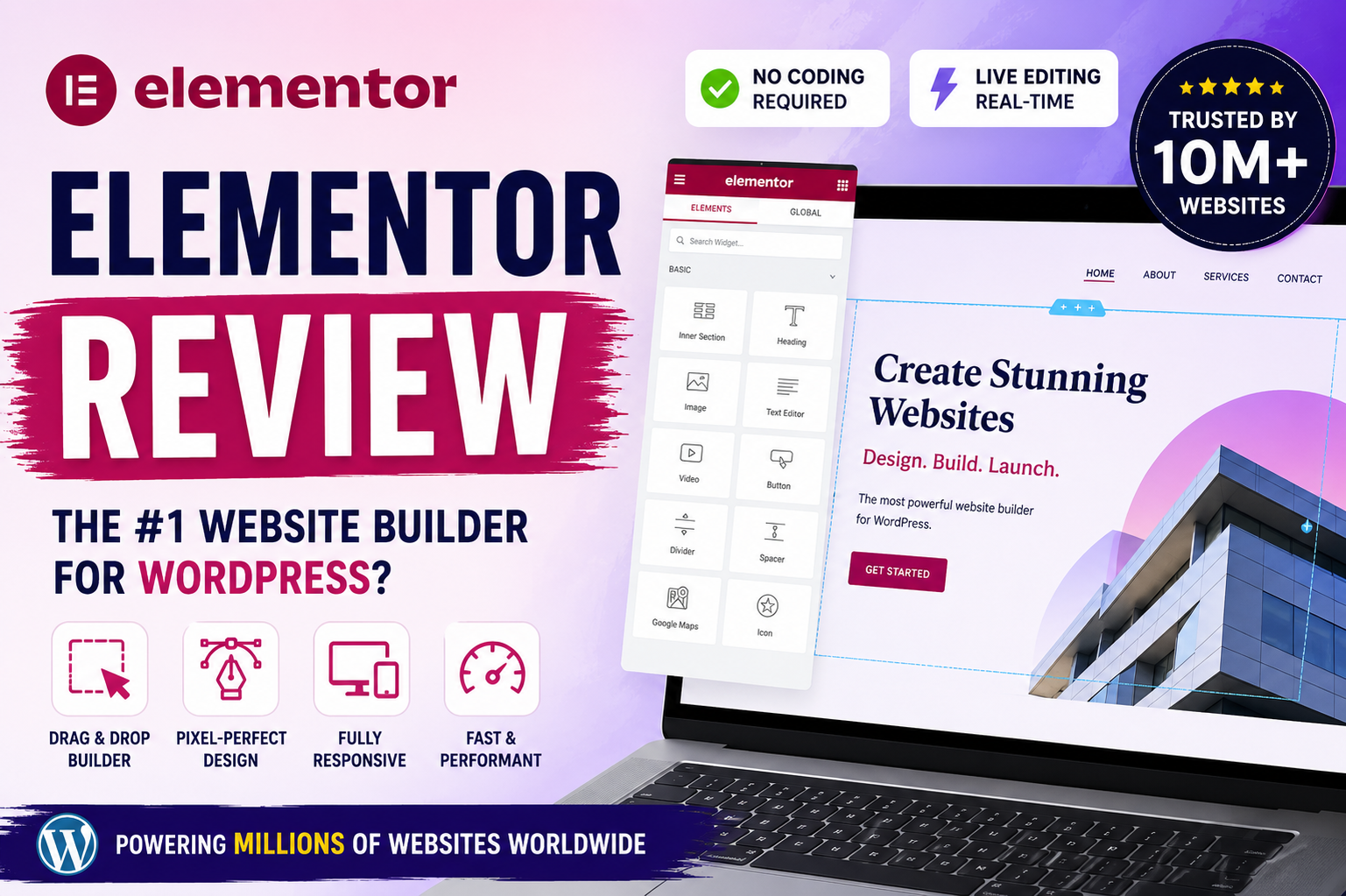
Elementor Review 2026: Is It Still the Best WordPress Page Builder?
When it comes to creating professional-looking websites on WordPress, few tools have made as big an impact as Elementor. Launched years ago as a simple page builder, it has evolved into a full-fledged website creation platform that powers millions of sites worldwide. Whether you're a small business owner looking to launch your first online store or a freelance designer managing complex client projects, Elementor promises drag-and-drop freedom with pixel-perfect control. After spending significant time testing it on fresh WordPress installs, I can confidently say it remains one of the most capable tools in the market.
Elementor stands out because it transforms WordPress from a blogging platform into a true visual design canvas. The free version provides solid fundamentals, while the Pro upgrade unlocks advanced capabilities that are essential for serious professional work. With over 10 million active installations, it is trusted by global brands and everyday users alike. In an era where speed, mobile responsiveness, and AI assistance matter more than ever, Elementor continues to innovate with features like the AI Site Planner, atomic building blocks in Editor V4, and deep performance optimizations.
Hands-On Experience: Building a Product Landing Page
I decided to put Elementor through its paces by building a complete product landing page for a fictional e-commerce gadget. From the moment I activated the plugin, the interface felt familiar yet refined. The editor loads quickly, and the left sidebar panel provides instant access to widgets, styles, and advanced settings without overwhelming the canvas.
The real magic happened when I started dragging elements. Need a hero section with a bold headline, image, and CTA button? Just drop a container, add Heading and Button widgets, and tweak everything in real-time. What impressed me most was the responsive editing. Switching between desktop, tablet, and mobile views is seamless, and adjustments made to one breakpoint don’t break the others. I utilized the new atomic containers and grids for precise layout control, which feels more like working in a dedicated design tool than traditional WordPress.
The AI features genuinely accelerated the workflow. I used the AI Site Planner to generate a basic structure and wireframes. It suggested logical sections and even generated placeholder copy that served as a great starting point. The AI image generator and text tools helped fill gaps quickly, though I still customized the output to match my specific vision. For the product showcase, I used the WooCommerce widgets (available in Pro) to pull in dynamic data—prices, add-to-cart buttons, and reviews all updated automatically. It took me under two hours to go from a blank page to a polished, conversion-focused landing page.
Forms and popups were another highlight. Building a lead capture form with conditional fields and connecting it to email marketing tools was straightforward. The Popup Builder allowed me to create exit-intent offers that looked integrated rather than like clunky afterthoughts.
Strengths and Weaknesses
Strengths:
-
Design Flexibility: You get hundreds of widgets in Pro, from advanced carousels to dynamic content loops. Global styles and variables allow you to update colors and fonts across an entire site instantly.
-
Performance: Significant improvements with Editor V4 and atomic architecture. Features like image optimization and lazy loading help sites score well on Core Web Vitals.
-
Comprehensive Toolset: The Theme Builder is excellent, allowing you to design headers, footers, and post templates visually. This reduces the need for multiple third-party plugins.
-
Ecosystem: The template library, accessibility tools, and extensive documentation make it suitable for both beginners and agencies.
Weaknesses:
-
Potential Bloat: Heavy use of complex widgets and animations can still impact page size if not optimized carefully.
-
Learning Curve: While user-friendly, mastering the sheer volume of advanced Pro features can be overwhelming for absolute beginners.
-
Pricing: The annual subscription model can add up for those managing multiple sites, and the free version feels quite restrictive once you’ve experienced Pro.
Final Verdict
Elementor continues to lead as one of the best WordPress page builders in 2026 for good reason. It strikes an impressive balance between ease of use and professional power. Beginners can create beautiful sites quickly, while agencies appreciate the depth, scalability, and workflow tools that save hours on every project.
If you want complete creative control without hiring a developer for every small change, Elementor delivers. The AI enhancements make it future-proof, and ongoing performance updates show the team is actively listening to user feedback. It remains a smart investment for business sites, portfolios, and online stores alike.
See more : Elementor
"As an affiliate, I may earn a commission from qualifying purchases made through links on this site at no extra cost to you."