

The AI Voice Tool That Makes Typing Feel Ancient
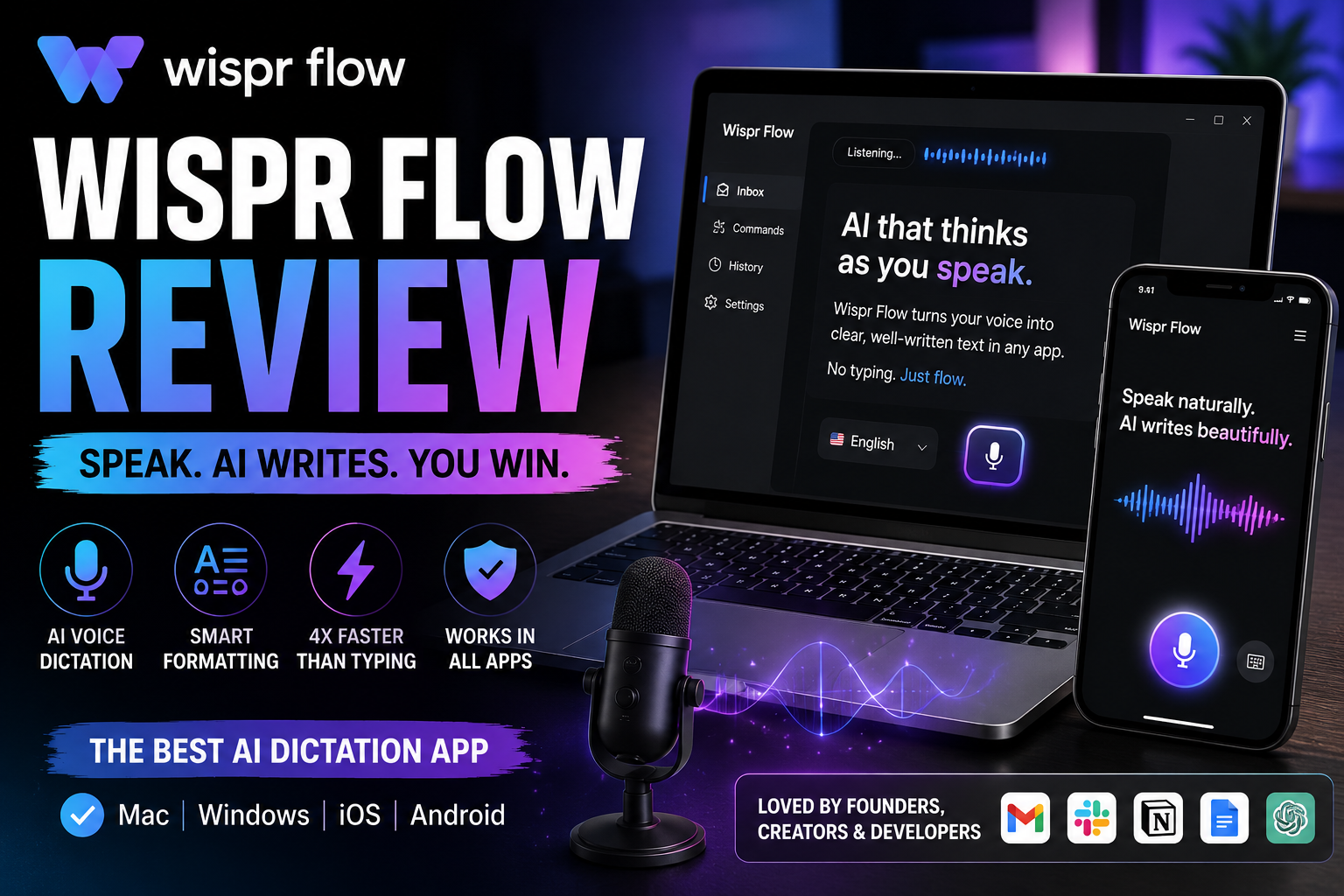
In 2026, we’re still typing on keyboards that haven’t changed much in decades while our thoughts race ahead. Wispr Flow at wisprflow.ai changes that equation. It’s a system-wide AI voice dictation tool that lets you speak naturally and inserts clean, polished, well-formatted text directly into any app on your device. Backed by significant funding (including an $81M round to build toward a full Voice OS), Wispr Flow works across Mac, Windows, iPhone, and Android. It removes filler words, fixes grammar, adapts to your style, and learns your personal vocabulary.
Unlike basic dictation tools that just transcribe literally, Flow uses AI to understand context, rephrase rambling speech into professional writing, and even respond to voice commands. It promises to make you up to 4x faster than typing. I installed it and used it as my primary input method for two weeks to see if it delivers on that bold claim.
My Hands-On Experience with Wispr Flow
Setup was dead simple. I downloaded the Mac app, signed in, and it was ready in minutes. A quick hotkey (customizable) activates listening, and you just start talking. The first thing that hit me was how natural it feels. I didn’t have to speak like a robot or pause unnaturally. I rambled through a messy email draft about a chaotic project, complete with “umms,” repeated words, and unclear thoughts. What appeared in the text field was a crisp, professional version that actually sounded better than what I would have typed myself.
It shines in everyday apps. In Gmail, Slack, Notion, Google Docs, and even VS Code, it works seamlessly without switching windows or copy-pasting. I dictated long responses, meeting notes, code comments, and social media replies. The AI cleanup is impressive — it removes fillers, improves sentence flow, and maintains your personal tone. The personal dictionary quickly learned names and niche terms I use often, eliminating constant corrections.
On mobile, the iPhone app performed well for quick replies while walking or driving (hands-free). Cross-device sync kept my dictionary and settings consistent. Over two weeks, I handled hundreds of messages, several long documents, and daily journaling. Average speed felt like 150-200+ words per minute during good sessions, easily beating my normal typing. It genuinely reduced friction and let me stay in flow state longer.
Strengths and Weaknesses of Wispr Flow
Strengths:
- System-wide magic: Works in literally any text field across apps — no more app-specific limitations.
- Smart AI editing: Turns natural, imperfect speech into clear, professional text with excellent context awareness.
- Personalization: Builds a custom dictionary and learns your style over time. Snippets and voice commands add serious power.
- Multi-platform support: Solid experience on desktop and mobile with synced settings.
- Productivity boost: Users consistently report 2-4x faster writing. Great for emails, content creation, coding, customer support, and accessibility needs.
- Professional features: HIPAA-ready options and strong accuracy for many professionals.
Weaknesses:
- Cloud dependency: Everything processes in the cloud, raising privacy concerns for highly sensitive work (though they offer privacy modes).
- Performance in noise: Struggles in loud environments or with poor microphones — best results with AirPods or a good headset.
- Resource usage: Can feel heavy on RAM and startup time on lower-end machines.
- Pricing pressure: Free tier is quite limited; most serious users need paid plans quickly.
- Occasional inconsistencies: Some reviews note variable accuracy depending on accent, speed, or background conditions.
These issues are common in advanced cloud AI tools but worth considering based on your workflow and privacy needs.
Final Thoughts
Wispr Flow stands out as one of the most practical and polished AI productivity tools available right now. It doesn’t just transcribe — it understands and elevates your input, making voice a truly viable replacement for typing in daily work. For writers, developers, executives, students, or anyone who spends hours composing text, it can deliver a genuine speed and comfort upgrade.
If you’re tired of typing slowing you down or want a more natural way to interact with your devices, foxyshopping.com recommends trying Wispr Flow. Start with the free trial and use it heavily for a few days. You’ll quickly feel whether it becomes indispensable in your workflow. In the shift toward voice-first computing, Wispr Flow is leading the way with a tool that actually works today.
See More : https://ref.wisprflow.ai/william
"As an affiliate, I may earn a commission from qualifying purchases made through links on this site at no extra cost to you."